
Choose an Internet connection, understand the networks behind it, and explore how people connect at home, at work and beyond Earth.
Start with the practical guides below. Earlier announcements remain available with their original year and historical context.
Choose an Internet connection

High-Speed Internet: Choose a Plan and Test Your Connection
Compare Internet plans, calculate the full cost, and use repeatable connection tests to locate performance problems.

Fiber to the Home: Availability, Installation and Equipment
Check fiber availability, understand the ONT and router, and prepare for installation and a useful acceptance test.

Rural Internet: Check Coverage and Compare Your Options
Find service at a rural address, compare installation and reliability, and test the connection during the hours that matter.

Satellite Internet: Latency, Obstructions and Plan Tradeoffs
Evaluate satellite Internet by latency, sky view, data policy, equipment needs and the applications you actually use.

Wireless Home Internet: Test Placement, Capacity and Fit
Evaluate cellular home Internet at your address, test gateway placement and busy-hour performance, and check application compatibility.
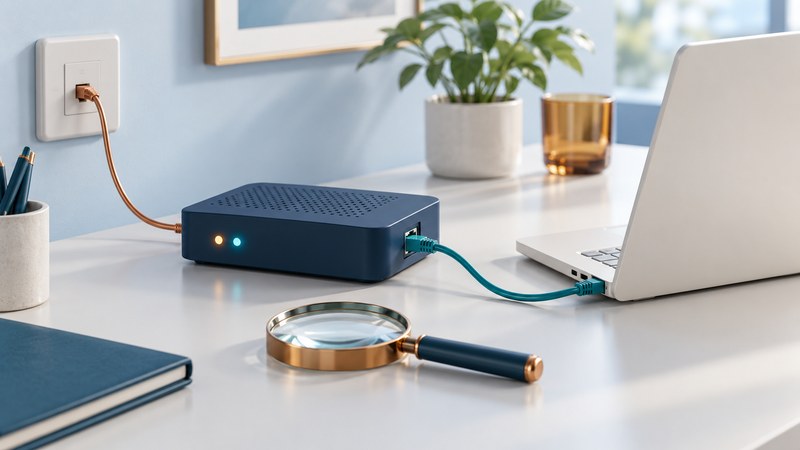
DSL Internet: Understand Your Line and Diagnose Slowdowns
Distinguish DSL line, Internet-session and home-network faults, read modem evidence, and prepare a focused support request.
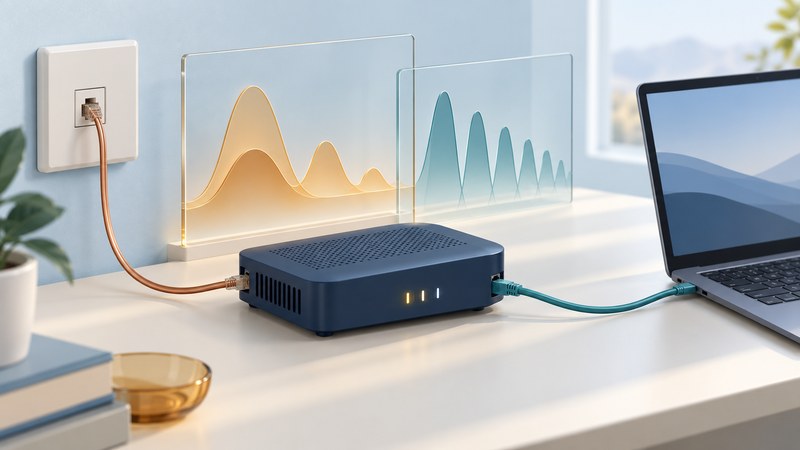
ADSL2 and ADSL2+: Understand the Standard and Your Line
Identify ADSL2 and ADSL2+, interpret modem line statistics, and compare negotiated speed with measured Internet throughput.

Broadband in Apartment Buildings: Check Access and Plan Installation
Check broadband availability for a specific apartment, coordinate building access and wiring, and document installation or map problems.
Understand networks

DNS Root Servers: How a Name Becomes an Address
Follow a DNS lookup through resolvers, root servers and authoritative servers, then interpret common lookup results.

IPv6 Explained: Addresses, Dual Stack and Connection Checks
Understand IPv6 addresses and dual stack, distinguish local configuration from Internet reachability, and collect useful diagnostic evidence.
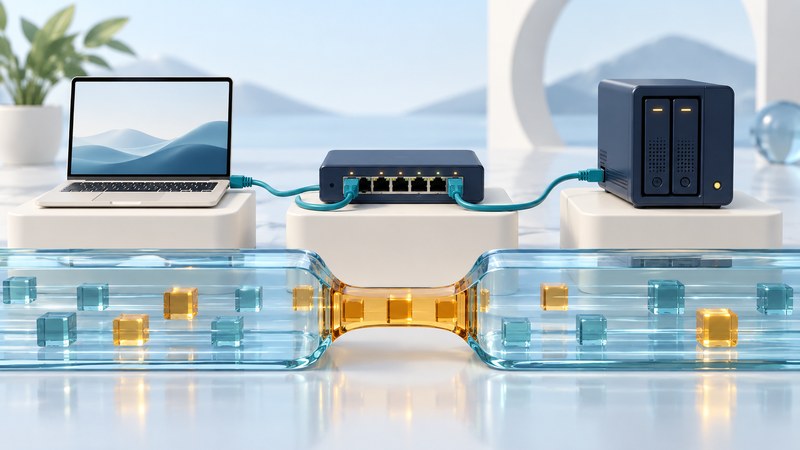
Multi-Gigabit Networks: Find the Bottleneck Before Upgrading
Trace your network path, check port and cable compatibility, and measure the bottleneck before buying faster Ethernet equipment.

MPLS Explained: Labels, Private Networks and Service Guarantees
Follow an MPLS label-switched path and distinguish forwarding, private routing, encryption, traffic classes and service guarantees.

Fixed Wireless Links: Line of Sight, Capacity and Reliability
Evaluate an outdoor wireless link using path clearance, a link budget, busy-hour capacity and a practical acceptance test.
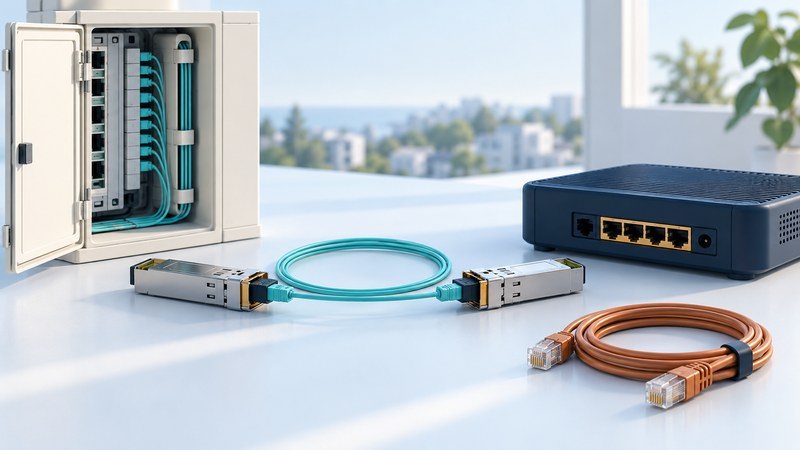
Ethernet in the First Mile: Copper, Fiber and Service Handoffs
Distinguish Ethernet access technologies from a service handoff, and check copper or optical equipment compatibility.
High-Speed Backplanes
Historical coverage · 2003
SiliconPipe’s 2003 copper-backplane demonstration and contemporary signal-integrity claims.
Photonic Routing Switcher
Historical coverage · 2004
A 2004 Glimmerglass and PESA demonstration of optical switching for video signals.
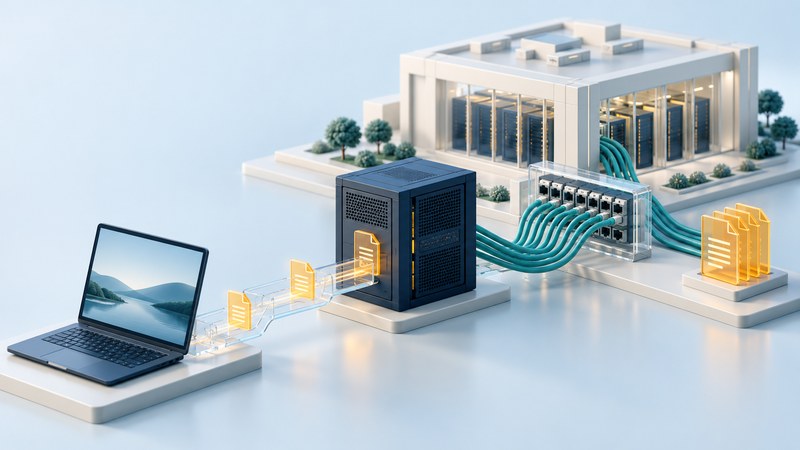
Akamai and Equinix: How Content Delivery Meets Interconnection
Follow a web request through a CDN and learn how data centers, cross-connects and peering affect delivery.
Stay connected while traveling

In-Flight Internet: Check Your Flight and Prepare to Connect
Check Wi-Fi for your actual flight, prepare authentication and offline work, and handle common onboard connection problems.

Internet at Sea: Compare Marina, Coastal and Offshore Connections
Plan boat Internet by route, marina and coastal coverage, satellite permissions, equipment, power and data requirements.
Use the web and work online

.eu Domain Names: Register, Renew and Keep Control
Check .eu eligibility, choose a registrar, keep registration details accurate, and prepare for renewal or transfer.

Microsoft Web Search: Find Sources and Check Results in Bing
Refine Bing searches, locate original documents and verify dates, context and source support before relying on a result.

Video Mail: Record a Clear Message and Share It Reliably
Plan and record a concise video message, add accessible text, control sharing permissions, and verify the recipient experience.

Enterprise Messaging: Choose Controls and Plan a Rollout
Define workplace messaging requirements, evaluate guest access and retention, and test a small rollout before expanding it.

Business VPN over Broadband: Plan Access, Routing and Recovery
Plan a business VPN around users, routes, DNS, authentication and recovery, then verify the applications and access boundaries.

Integrating Voice, Video and Text: Build a Usable Communication Workflow
Design a communication workflow that moves between text, voice and video while preserving accessibility, context and a usable record.

Grid Computing: Share Data and Run Research Across Institutions
Plan a research workflow across institutions, from identity and data transfer to scheduled jobs, checked results and provenance.
Explore Internet reach and frontiers

How Many People Use the Internet? Read the Numbers Correctly
Read the latest verified ITU Internet-use estimate, understand revisions, and compare people, subscriptions and access quality.

Interplanetary Internet: Why Space Networks Store and Forward
Understand delay-tolerant networking, follow a store-and-forward example, and distinguish space-network demonstrations from future plans.

India’s Internet Bandwidth: Cables, Capacity and Actual Use
Read India’s connectivity figures with the right units, dates and scope, separating cable capacity, subscriptions and data use.
Internet history and earlier services
AOL Broadband
Historical coverage · 2004
AOL’s 2004 Philadelphia promotion of broadband services and the connected home.
Road Runner Business Class
Historical coverage · 2003
A 2003 Netifice and Time Warner Cable partnership for business broadband access.
WorldCom Internet Backbone
Historical coverage · 2002
WorldCom and UUNet’s position in the Internet backbone market as described in 2002.
Cool Gadgets
Historical coverage · 2003
A 2003 Pew study of early technology adopters and changing communication habits.
National High-Speed Wireless Network
Historical coverage · 2003
AT&T Wireless’s 2003 EDGE rollout and the PC-card technology behind it.