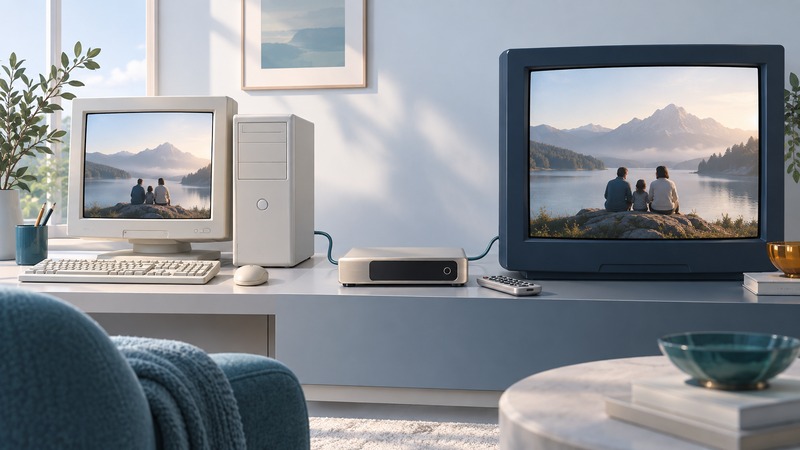
Treat a ShowCenter as a complete legacy setup: the box, its remote, the correct host software, a supported media sample and compatible television inputs. Identify those pieces before attempting a repair or planning a replacement.
The ShowCenter name dates to Pinnacle’s early-2000s effort to make computer media accessible from the living room. Pinnacle’s product archive lists ShowCenter, ShowCenter 1000g, ShowCenter 200 and ShowCenter 250HD separately. Match documentation to the label on your unit; a family name alone is insufficient to establish its capabilities.
Identify the actual system
Photograph the model label and rear connections. Record the power-supply rating printed on the equipment, the remote model, firmware information visible in its menus and the version of any installed PC software. Keep the supplied installation media and manuals together. Use the equipment documentation for electrical requirements; a similar-looking adapter or plug can have different characteristics.
On a narrow screen, scroll the table horizontally. Keyboard users can focus the table region and use the arrow keys.
| Item | Evidence to keep | Why it matters |
|---|---|---|
| Player and region | Model label and photographs of ports | Variants can have different outputs and capabilities |
| Host computer | OS version and MediaManager version | The server software is part of the playback route |
| Media library | Original files, folder paths and playlists | The database and the media may live in different places |
| Network | Addressing method and wired/wireless connection | Discovery and actual file delivery are separate checks |
| Display and sound | Inputs, signal formats and selected modes | An adapter must handle the required signal, not just fit the plug |
The Pinnacle-authored ShowCenter manual hosted by ManualsLib provides period setup and software documentation. Read its model references and system requirements before using a procedure. Preserve a copy of the matching manual with your system notes.
Read the ShowCenter 200 example in its period
Pinnacle’s 2005 ShowCenter 200 product sheet, preserved as a PDF describes Windows XP/2000 host requirements, Ethernet and 802.11b/g networking, several analog video outputs, and digital and analog audio connections. It also describes host-side conversion for media outside the player’s direct support. These are specifications for that model and period; use the sheet’s detailed format and regional-output lists when matching a file or television.
A useful distinction is whether the player decodes a file itself or the PC prepares a converted version. The latter brings host processing, storage and software into the result. Old mentions of online content or services describe the original offering; establish present service availability independently before including it in a preservation plan.
Microsoft’s Windows support guidance records Windows XP’s support end as April 8, 2014. For a period host needed for collection or demonstration, keep the environment isolated from routine internet use and retain an offline copy of the media. Choose a supported host/player route for everyday access.
Run a bounded playback trial
- Back up the original media and record its existing location before changing the library or reinstalling software. Keep a copy outside the old PC.
- Select a short file within the exact model’s documented support. Record its container, video and audio formats and whether the host converts it.
- Start with a documented wired-network connection and the appropriate TV input. Verify that the host software sees the file and the player sees the host.
- Play, pause and seek. Listen to dialogue and compare picture shape with a known reference. Then test the few special formats you actually need.
- Save the result against the precise model, software version and output connection. A successful test establishes that combination.
Choose what to preserve and what to replace
Keep the original setup when the objective is collecting, demonstrating the period interface or playing a small verified library. Record any dependency that makes restoration difficult, such as a particular host version or remote. Set a limit on troubleshooting time before buying replacement parts.
For daily viewing, list the functions you want to retain: family videos, music, photographs, remote control, subtitles and the current sound system. Test a replacement route with those same samples before moving the entire library. Preserve originals and make new playback copies only where required. Export playlists or write down their organization while the old software still works.
Separate media preservation from appliance preservation. Two verified copies of the original files on different storage devices can outlast a single working PC. Compare file counts and sizes, open representative files from the backup, and record any files that depend on access controls. The home digital entertainment guide provides a complete playback-chain test for the destination system.
Keep a working record
Download the pinnacle showcenter worksheet (editable text). Save a copy, fill in the fields for your situation and record exceptions as well as successful checks. The worksheet includes its purpose, source links and any example assumptions.