Preserve recorded memories, set up a camera, match lenses and displays, and prepare an edit or screening. Choose a practical guide for the next step, then explore the equipment history behind digital video.
For tapes, discs and camera files, begin with the preservation guides. For an HV20 or HDR-FX1, use the camera-specific setup and transfer guides. Follow the production guides for lens choices, camera support, effects and cinema delivery; check wearable displays for personal viewing.
Connect devices and preserve recordings
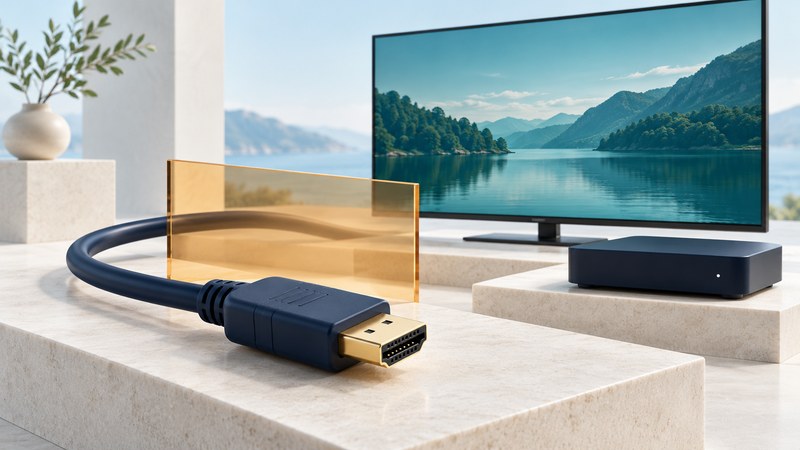
HDMI: Choose the Right Connection and Troubleshoot It
Match HDMI ports, cables, video modes and audio settings, then isolate missing picture, dropouts and sound problems.
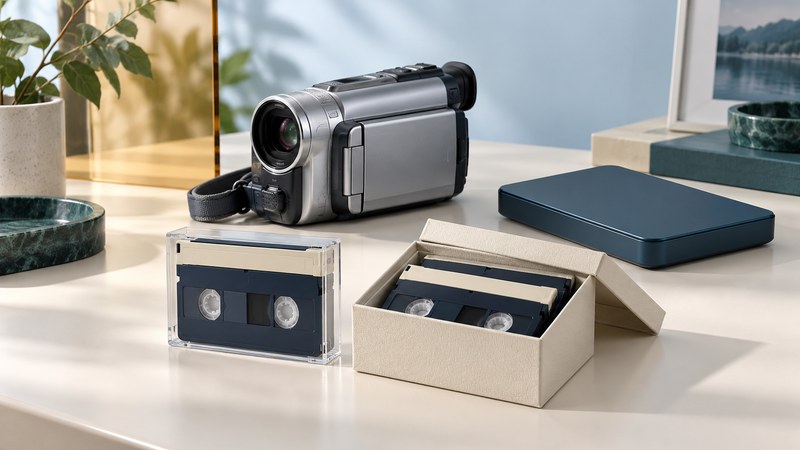
MiniDV Tapes: Preserve and Transfer Your Recordings
Inventory MiniDV recordings, check playback and capture compatibility, and keep verified originals alongside convenient viewing copies.
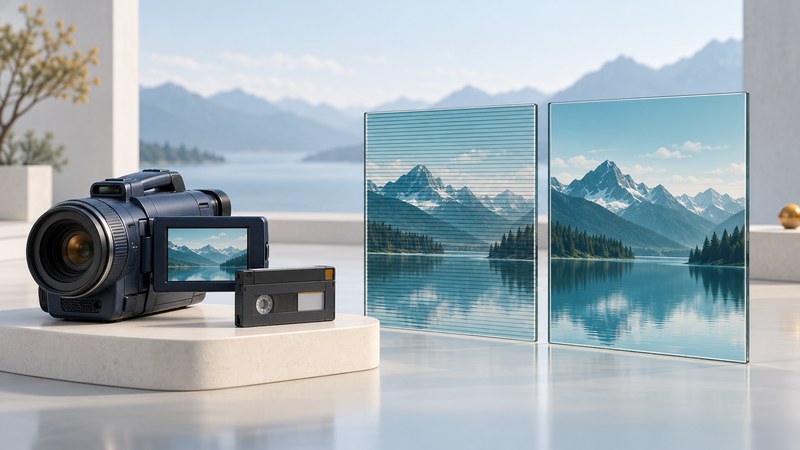
HDV Format: Identify, Capture and Edit Older HD Video
Distinguish DV from HDV, preserve the intended tape output, and interpret frame size, interlacing and progressive recording correctly.
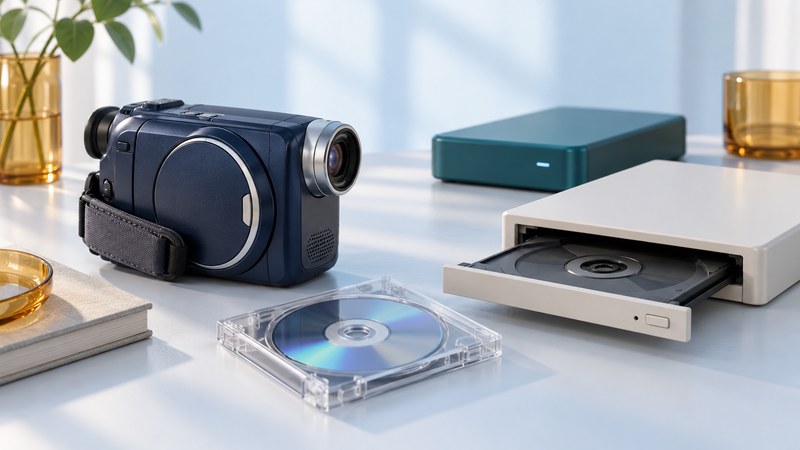
DVD Camcorders: Transfer Recordings from 8 cm Discs
Identify camcorder disc types and recording modes, check finalization and drive compatibility, and preserve a complete copy before converting video.
Lossless Video Codecs: Masters, Editing and Viewing Copies
Understand what lossless compression preserves, choose a file strategy, and verify picture, audio, metadata and backups after conversion.
Panasonic P2: Copy, Verify and Preserve Camera Cards
Preserve complete P2 card folders, handle spanned clips, check audio and metadata, and verify backups before releasing a card for reuse.
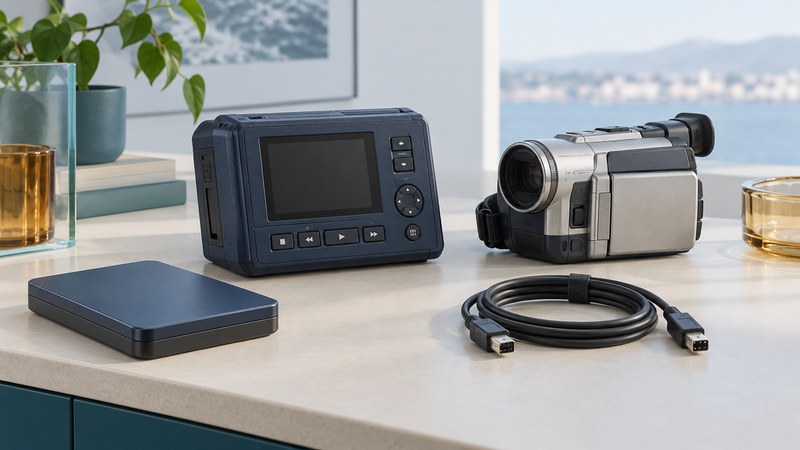
DV Disk Recorders: Transfer and Check FireStore Footage
Identify a FireStore FS-4 variant, copy existing recordings through the correct interface, preserve companion files and verify segmented clips before editing.
Portable Media: A Field Backup Workflow for Photos and Video
Plan storage capacity, copy complete camera media, verify independent backups and keep a clear release record before reusing a card on location.
Use the video transfer log for tape, disc and recorder projects, or the P2 card-offload log for structured card copies. Use the field backup log for independent copies while traveling.
Set up a tape camcorder
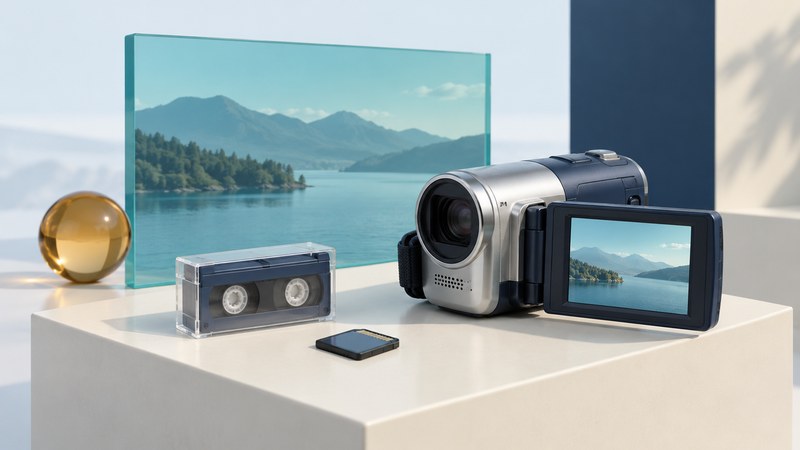
Canon HV20: Recording Modes, Connections and Footage Transfer
Identify your Canon HV20 recording mode, check picture and sound, and choose the right connection for tape capture, TV playback or card photographs.
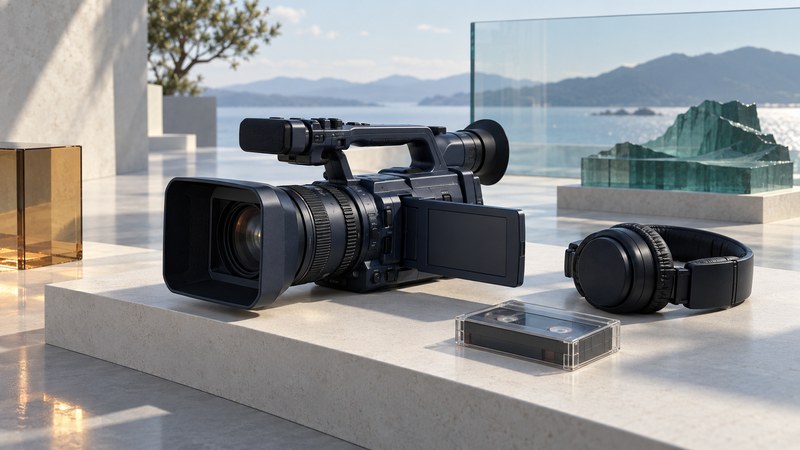
Sony HDR-FX1: Controls, Recording Modes and Transfer Checks
Plan a repeatable Sony HDR-FX1 camera test, check exposure and sound, and preserve the intended HDV or DV output during tape capture.
Shoot, edit and screen
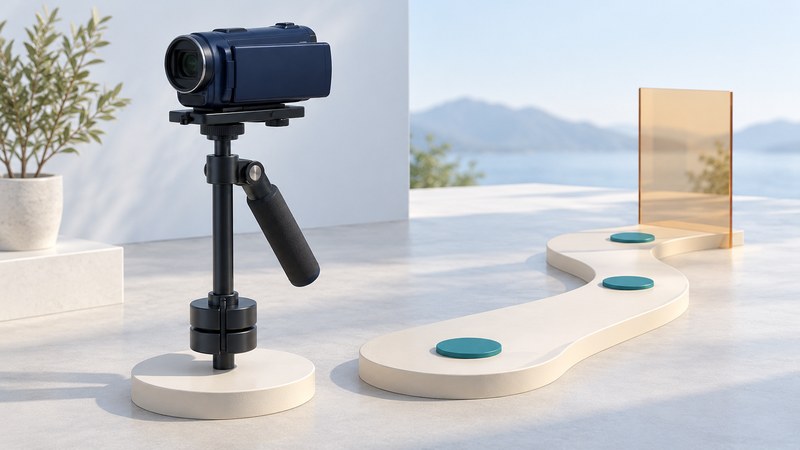
Steadicam for Small Camcorders: Balance and Practice
Set up a small mechanical camera stabilizer, diagnose balance and handling problems, and practice repeatable moving shots with the equipment you own.
Digital Video Effects: Keys, Layers and Clean Composites
Understand fill, key and alpha channels, build a simple layered video composite, and diagnose edge, scaling and export problems.
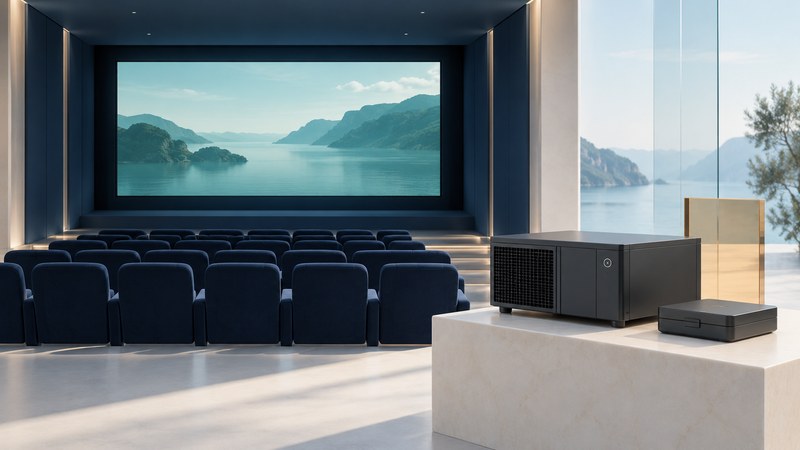
Digital Cinema Delivery: From DCP to Test Screening
Coordinate a digital cinema handoff with the venue, identify the correct DCP and CPL, arrange KDMs when needed, and verify picture, sound and subtitles before the show.
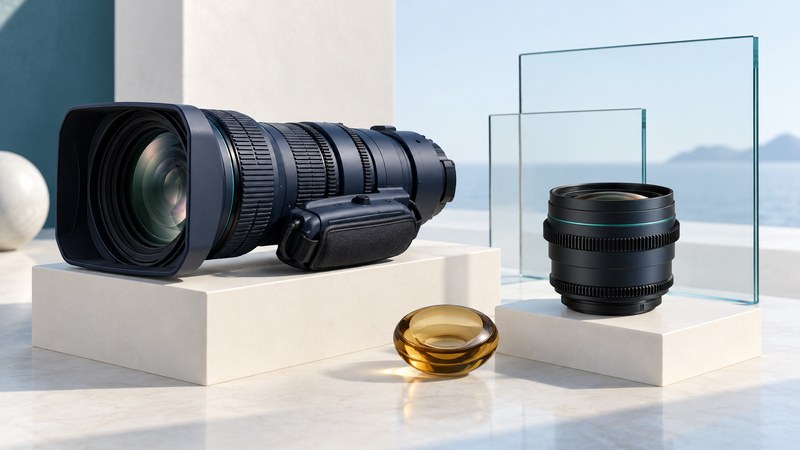
Canon HD Lenses: Match Mount, Image Coverage and Camera
Evaluate Canon broadcast and cinema lenses by exact mount, sensor coverage, control requirements, back focus and a recorded camera test.
For a venue delivery, collect the version, requirements and test results in the screening handoff checklist.
Choose a personal video display
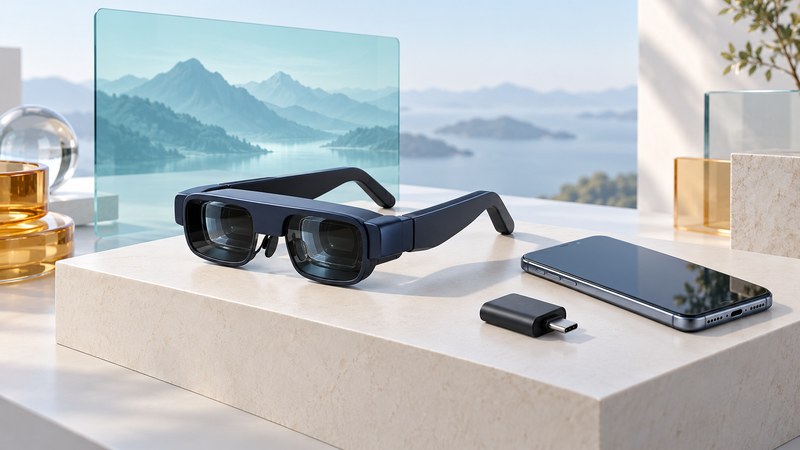
Wearable Displays: Check Connections, Fit and Video Playback
Evaluate video glasses by their input requirements, optical fit, screen behavior and actual playback with the devices and apps you intend to use.
Cameras, recording media and field equipment
Compact 3 CCD Camcorder
Sony DCR-HC1000 coverage from 2004, describing its three-chip imaging and camera controls.
Published July 7, 2004
Canon Optura
Canon Optura 30 and 40 launch coverage from 2004, covering video, stills and audio controls.
Published April 19, 2004
Media-processing history
Digital Media Processor
A 2005 account of Texas Instruments processors for Windows Mobile Portable Media Centers.
Published May 2, 2005
Portable players and recorders
Personal Multimedia Recorder
RCA’s 2006 LYRA X3000 announcement, including analog recording and proposed DIRECTV transfers.
Published January 4, 2006
Mobile DVR
Archos AV 700 coverage from 2005, combining portable viewing with scheduled recording.
Published May 23, 2005
Pocket Video Recorder
The Archos AV400’s 2004 approach to portable television recording and media storage.
Published June 30, 2004
Portable Media Player
Directed Electronics’ 2005 PMP3520 portable player and recording features.
Published July 12, 2005
Pocket Multimedia Center
The Archos Gmini 402 announcement from 2005, with storage, playback and synchronization features.
Published October 27, 2005
ZVUE Portable Media Players
A 2005 preview of ZVUE players and their proposed Windows Media compatibility.
Published October 10, 2005
Portable Media Center
The 2004 Windows Portable Media Center launch, including Creative and Samsung devices.
Published July 9, 2004
iSee iPod DVR
The iSee 360i accessory’s 2006 approach to adding video recording and playback to selected iPods.
Published January 5, 2006
DivX DVD Walkman
The 2006 Sony D-VE7000S portable DVD player and its DivX playback announcement.
Published June 17, 2006
Portable Videos
A 2005 agreement to bring action-sports and instructional downloads to ZVUE players.
Published December 30, 2005
Wearable displays and disc-format history
MyVu Personal Media Viewer
A 2006 account of MicroOptical’s myvu viewer and its connection to video iPods.
Published January 11, 2006
Mobile Video Eyewear
Scalar Teleglass and Kopin microdisplay technology as described in 2005.
Published July 5, 2005
Protected HD Copying
A 2007 introduction to Maxell iVDR storage and its protected-recording system.
Published March 20, 2007
HD DVD Player
Toshiba’s 2005 prototype demonstration during the development of HD DVD hardware.
Published October 3, 2005
HD DVD
The 2004 studio-support announcement for HD DVD, documenting the format’s development period.
Published November 30, 2004
Digital Video Expo history
Digital Video Expo
Historical coverage of Digital Video Expo West, held in Los Angeles in December 2004.
Published December 6, 2004
Digital Video Conference
The program announced for Digital Video Expo East in New York in July 2004.
Published June 26, 2004